
By Alana – ChinaTours.com
Introduction
Let me start with a confession: I love Shanghai. But navigating its two massive airports, Pudong (PVG) and Hongqiao (SHA), can feel like a puzzle if you’re not prepared. Whether you’re here for a quick visa-free visit, a business trip, or a connecting flight to another Chinese city, knowing the ropes will save you hours of wandering (and maybe a little bit of sanity).
In this personal guide, I’ll walk you through my recent journey in three parts:
- Arriving at Pudong – from the Digital Arrival Card to baggage claim
- Departing China – what to expect at exit immigration
- Transferring from Hongqiao to Pudong – including a mistake I made so you don’t have to
Consider me your friendly Guinea pig. You’re welcome.
Before You Arrive: Passport & Visa-Free Perks
Here’s some genuinely exciting news: China currently offers 30-day visa-free entry for passport holders of many countries. Yes, you read that right. No embassy visits, no paperwork marathons. Just book your flight and go.
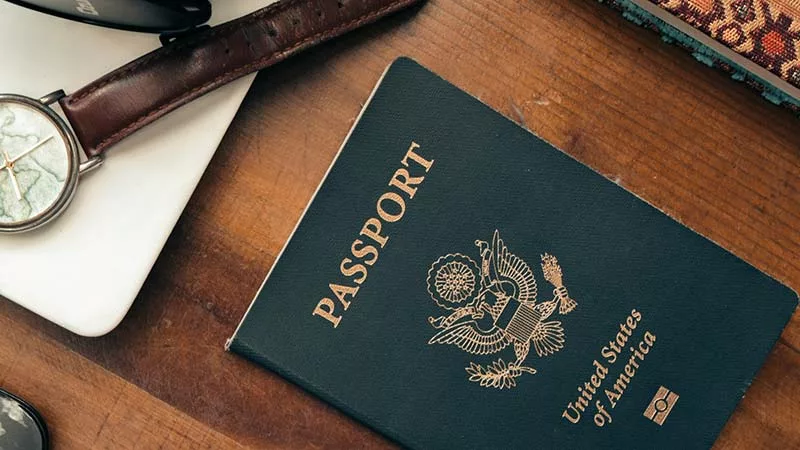
But and this is a BIG but, there is one non-negotiable rule: your passport must be valid for at least six months beyond your arrival date. If your passport expires sooner, you will be turned away at check-in counter of your departure airport. No exceptions, no charm offensive. Double-check this well before you pack.
The Digital Arrival Card (CDAC): Do Not Skip This
This is the single most important change in recent years. You can no longer fill out a paper arrival card on the plane while dozing off. Instead, you must complete the Digital Arrival Card (CDAC) online within 72 hours before landing in China.
Here’s how:
- Official NIA Website (works on desktop or mobile browser): https://s.nia.gov.cn/ArrivalCardFillingPC/entry-registation-home
- NIA 12367 App – free on iOS and Android
The form will ask for:
- Your flight number and seat number
- Passport details (number, issue date, expiration date)
- Your address in China (hotel or friend’s place)
- Arrival date
Once submitted, you’ll receive a QR code. Screenshot it immediately. Save it to your phone’s photo library. Keep it somewhere you won’t lose it, you’ll need it at immigration.
Arriving at Shanghai Pudong Airport (PVG)
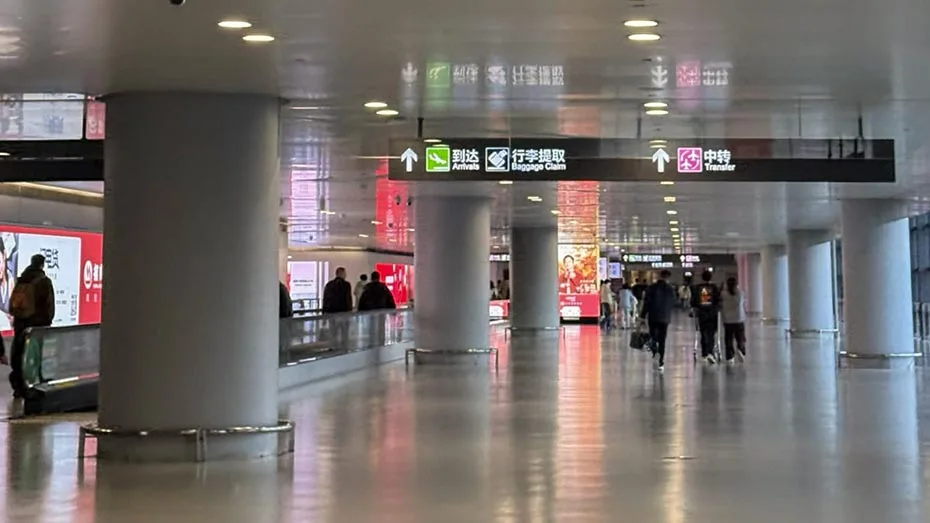
After landing, follow the signs toward Immigration and Baggage Claim. Fair warning: the walk can feel like a pilgrimage. Pudong Airport is enormous. But the signage is clear in both Chinese and English, so take a deep breath and keep moving. (I took the flight of China Eastern Airlines which is headquartered in Shanghai. A very pleasant journey. )
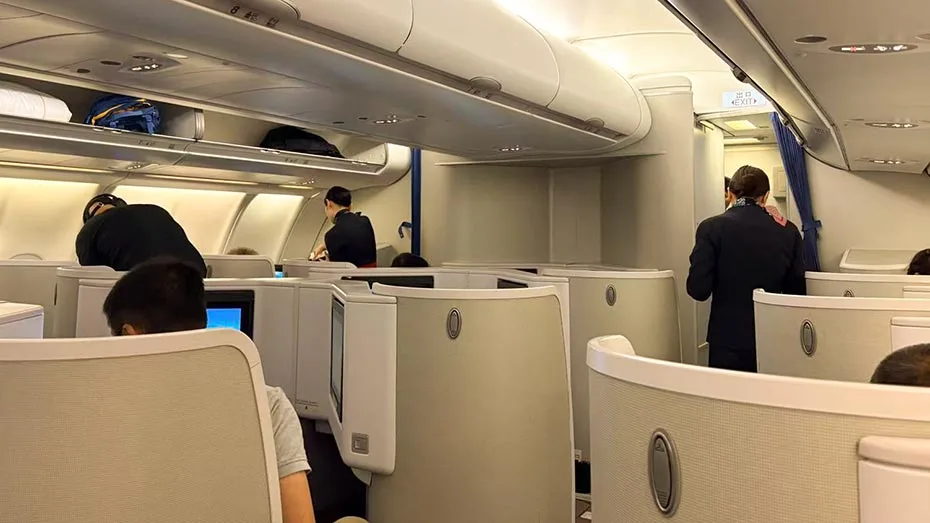
At immigration, most booths now accept the digital QR code. Just pull up your screenshot, place your passport on the scanner, and provide your fingerprints when prompted. The process itself is smooth. However, queues can get long during peak hours (late afternoon and evening).
Once you’re through, head to baggage claim.
Departing at Shanghai Pudong Airport (PVG)
Before you even think about getting to the airport, pull up your booking confirmation. Pudong has two terminals, T1 and T2, and they serve completely different airlines. Show up at the wrong one and you’ll be schlepping across the airport with your luggage, which is not how anyone wants to start a journey.
Once you arrive at the correct terminal, you’ll go through an “initial entry check” at the entrance. It’s quick and painless, just a bag scan and a ticket glance to make sure you’re supposed to be there.
Inside, check the flight information screens, find your flight number, and head to the designated check-in counter to grab your boarding pass and drop your checked luggage. One tip: if you’re planning to claim a tax refund, make this your first stop. Go to the Tax Refund Customs desk before checking your bags so they can inspect your goods and stamp your form. They need to physically see the items.
With your boarding pass in hand, follow the signs for “Int’l & Hongkong-Macau-Taiwan Departure.” This is where the real exit process begins. You’ll pass through customs, then immigration. Just present your passport and boarding pass, answer the officer’s questions if any, and you’re through.
Then comes security screening. And yes, it’s strict. X-ray for your baggage, body scan for you. They’ll ask you to remove laptops and other electronics from your bag, so don’t bury them. Also please note: power banks must come out and go through the scanner separately. Pack them where you can easily grab them.
Here’s where it gets interesting. After security, don’t assume your gate is just around the corner. Pudong has two massive satellite concourses, S1 and S2, connected to the main terminals by an internal automated people mover, basically a mini train. Many international flights depart from these satellites. I learned this the hard way: I breezed through everything, hopped on the train to S2, and realized I’d left duty free shopping behind at T1. The satellite terminal was vast and eerily empty. I ended up riding the train all the way back just to browse, and then back again to catch my flight. Maybe things have changed since then, but I’d still recommend grabbing anything you want in the main terminal before making the trek.
Transferring Between Airports: Hongqiao to Pudong
On my return trip, the first (domestic) flight landed at Hongqiao Airport, and I need to take the connecting (international) flight departing Pudong Airport. A challenging but achieving experience. If your flight arrives at Hongqiao but departs from Pudong (a common scenario for connecting travellers), do not panic. You have two main options:
| Option | Travel Time | The Vibe |
|---|---|---|
| Metro Line 2 | ~ 90 minutes | Crowded, slow, many stops |
| Shanghai Airport Link Line | ~ 40 minutes | Express, clean, luggage-friendly |
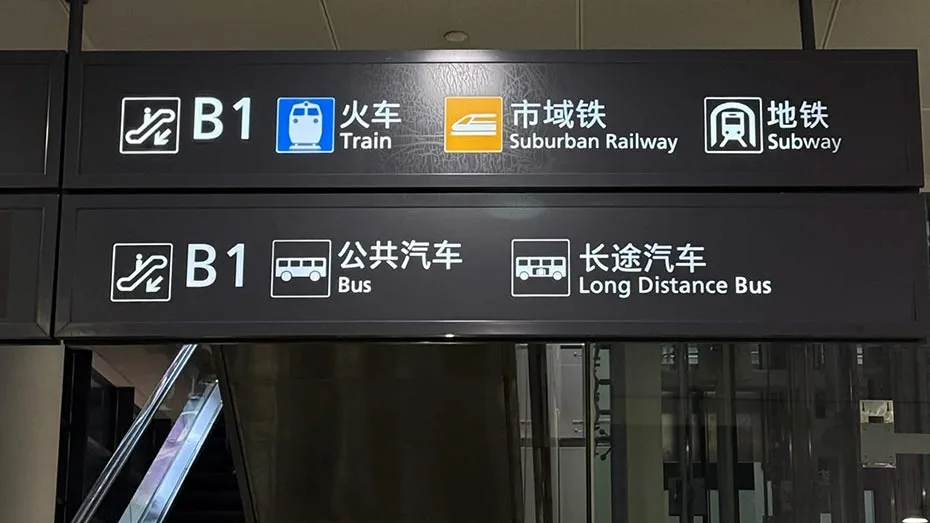
Take the Airport Link Line. I cannot say this loudly enough. It is better in every possible way. Make sure to follow the yellow colour sign of 市域铁 Suburban Railway.
A Critical Note About Your Luggage
Before we talk about the train tickets, let me save you some unnecessary heavy lifting. On my trip, my luggage was checked through directly to Pudong Airport. I did not need to collect it at Hongqiao Airport at all. This was a huge relief, as dragging suitcases across Shanghai is no one’s idea of fun. (Double check with your ticketing agent about the checked luggage if you have to transfer between two airports.)
However, do not assume this will happen automatically. When you check in for your first flight that will be landed at Hongqiao Airport, ask the agent explicitly: “Will my luggage be transferred directly to my connecting flight at Pudong Airport?” If the answer is yes, you can walk off the plane empty-handed and head straight to the Airport Link Line. If the answer is no, you will need to collect your bags at Hongqiao baggage claim before proceeding.
How to Get a Train Ticket at Hongqiao Airport
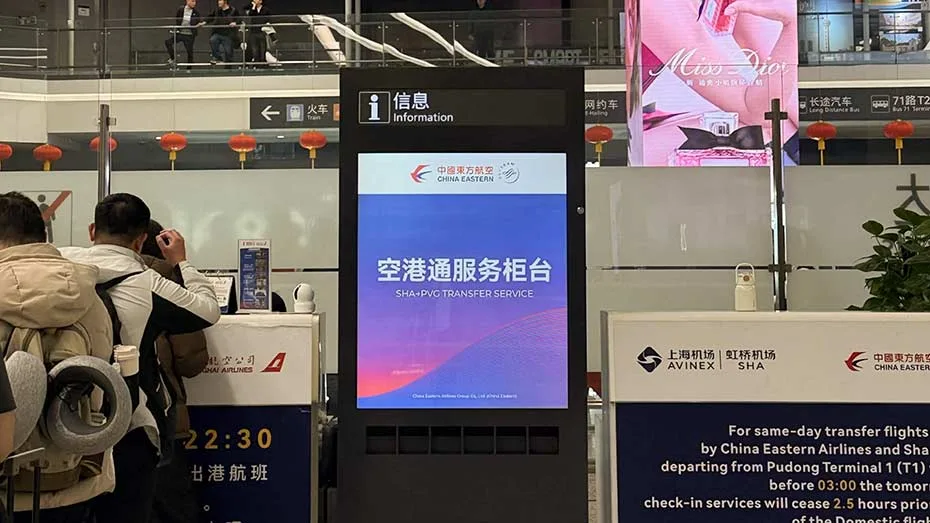
If you do need to collect your luggage (or even if you don’t), here is where to get your train ticket. I took the flight of China Eastern Airlines from Xi’an to Shanghai, and the staff at the check-in counter in Xi’an Airport showed me where to get my free train ticket of Hongqiao to Pudong.
After my arrival at Hongqiao Airport, I looked for Carousel 28 and found a Help Desk directly opposite it. This little desk is a hidden gem for travellers who need assistance with airport transfers or public transport tickets.
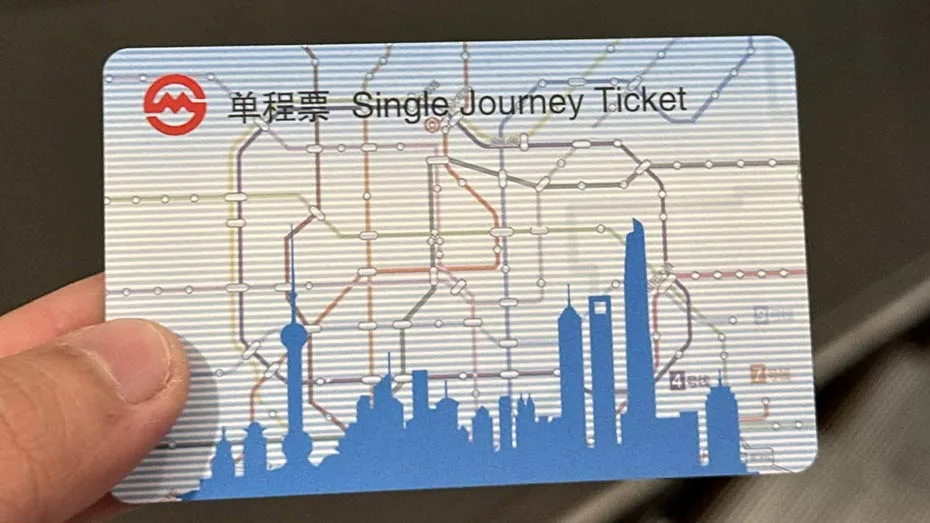
I approached this desk, the agent asked if I had a transport app installed. I admitted I did not. Without any fuss, she handed me a physical single-use ticket for the Airport Link Line. But let me be honest with you: the queue at this help desk can be long. I waited about 15 minutes. Pro tip: If the help desk line is too long, you can purchase tickets from self-service machines near the entrance to the Airport Link Line on B1 level.
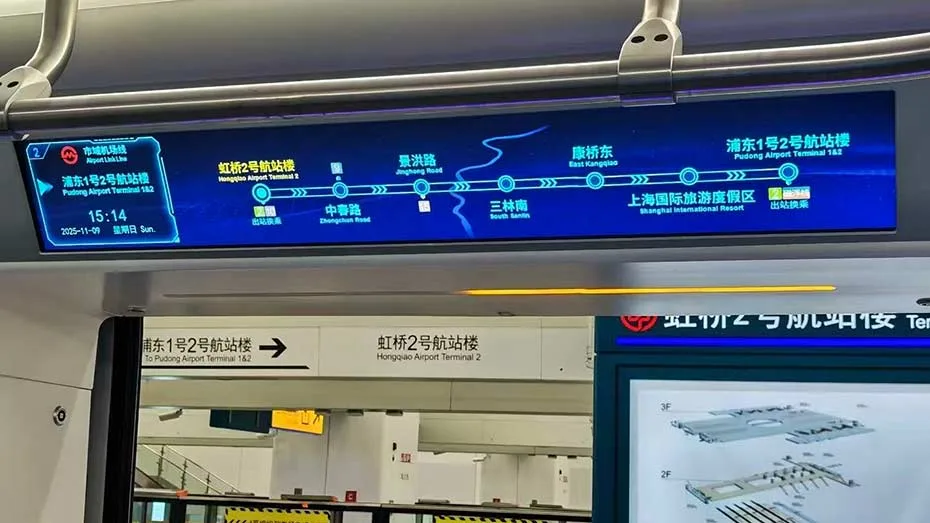
The Correct Route: Airport Link Line from Hongqiao Airport to Pudong Airport
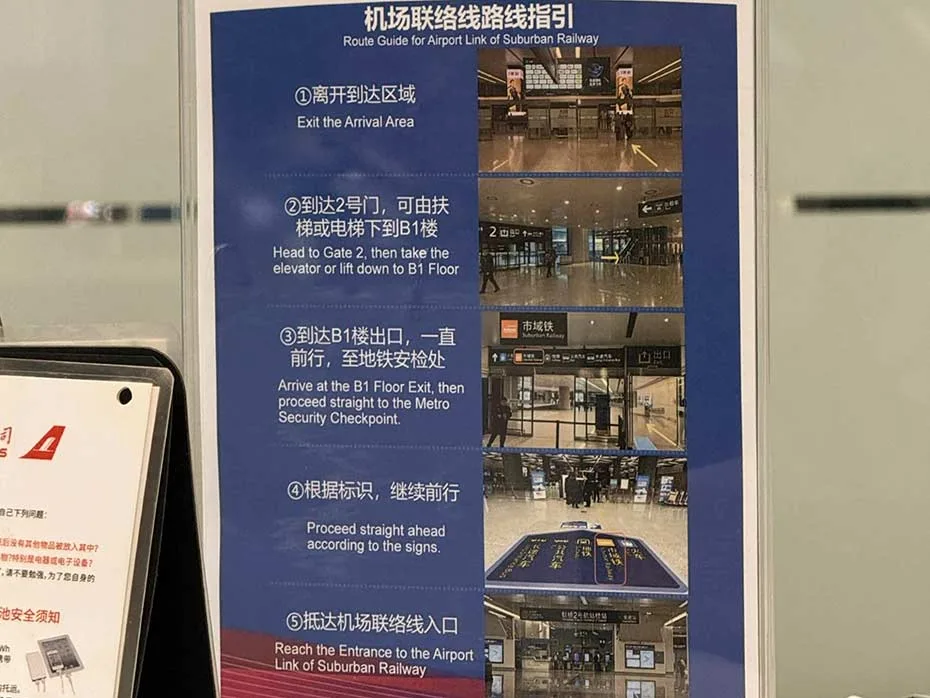
Once you have your ticket, follow these exact steps:
- After exiting the arrival hall at Hongqiao Airport, head toward Exit 2.
- Find the escalators nearby and take them down to B1 level.
- Follow the yellow signs marked “Suburban Train”. They’re easy to spot.
- You’ll reach an entrance with a security check – place your bags on the scanner.
- After security, walk down the stairs or escalator to the platform.
- Proceed to the Entrance to the Airport Link of Suburban Railway.
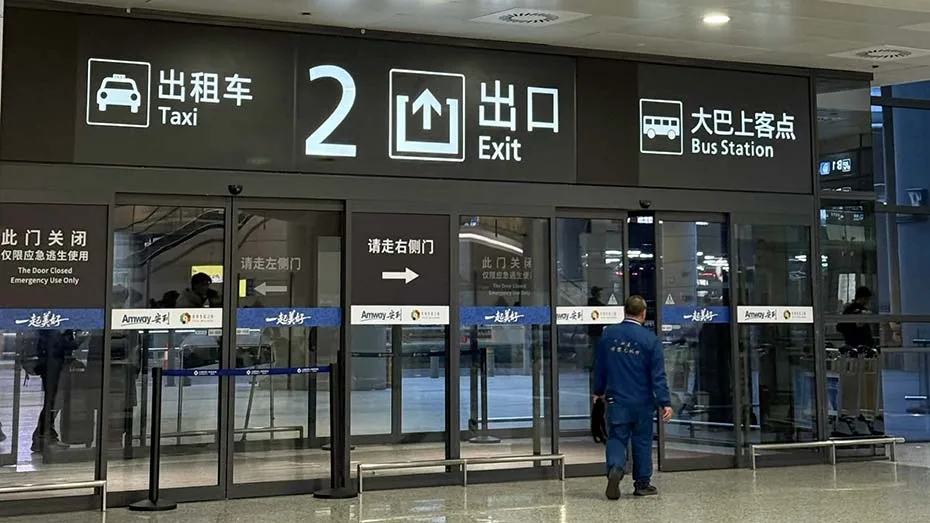
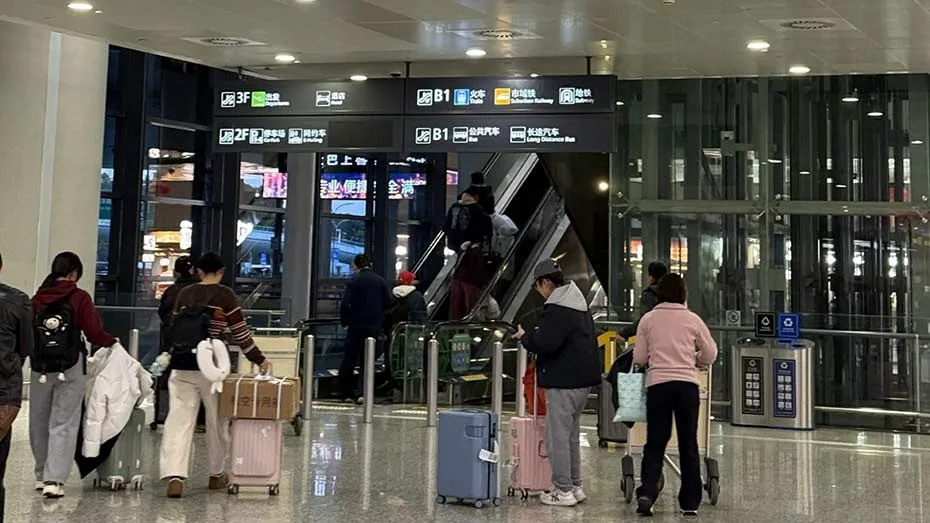
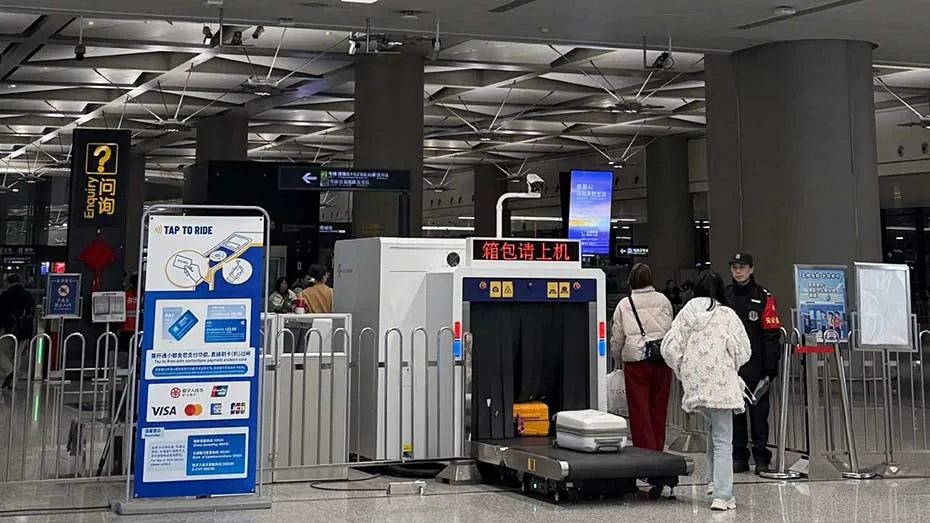
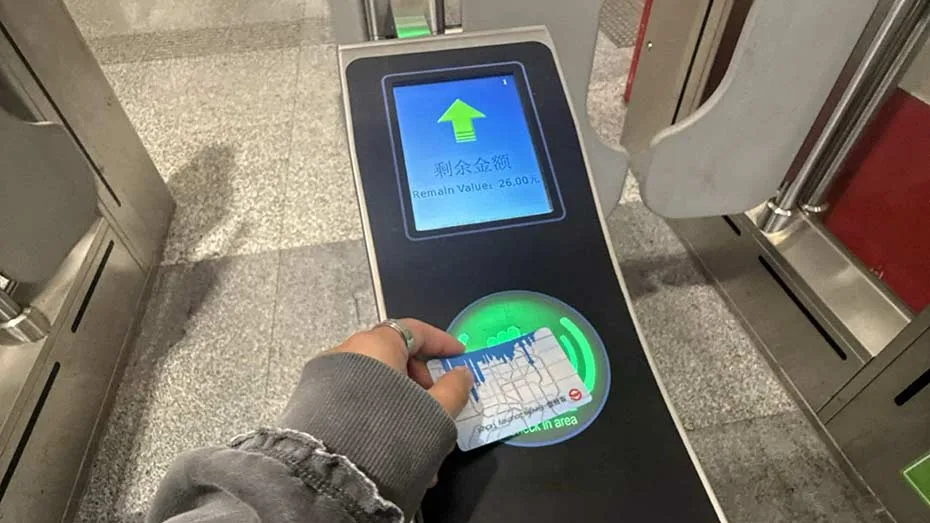
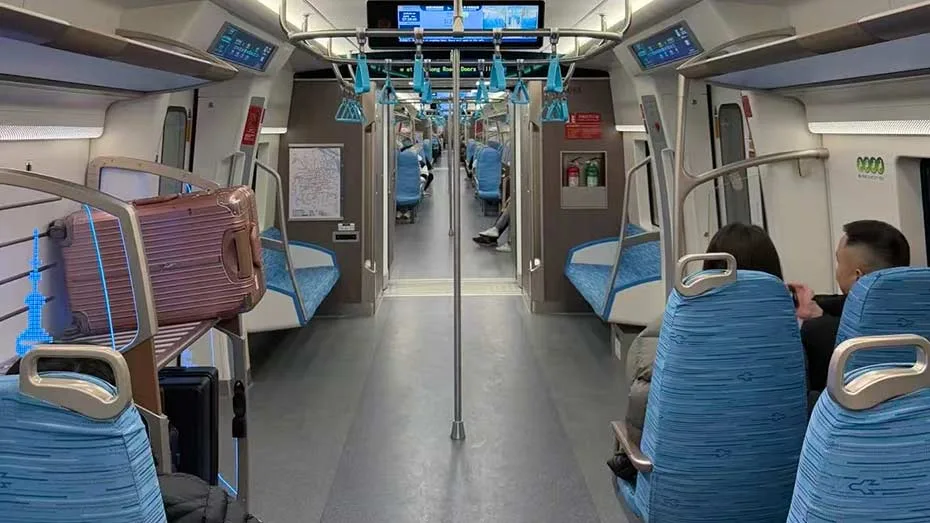
The train itself is a pleasure. Air-conditioned, clean, with dedicated luggage racks and comfortable seats arranged like an intercity train. There are stops, and the journey takes only about 40 minutes.
A Word of Caution: Do Not Take Metro Line 2
I have a confession to make. On my trip, I made a mistake. A silly, tired-traveller mistake. I accidentally took Metro Line 2 instead of the Airport Link Line. The signage can be confusing when you’re jet-lagged or in a rush. Both lines share similar colour schemes. It happens.
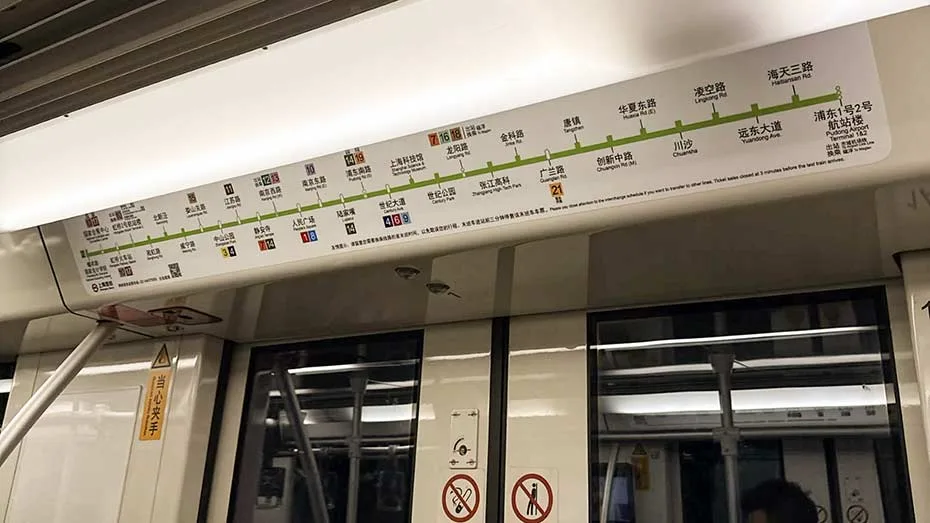
If you make this same error, do not panic. Metro Line 2 will eventually get you to Pudong Airport. It just takes nearly 90 minutes and makes dozens of local stops. The train is also more crowded, with limited luggage space and no dedicated racks.
I was lucky. My transfer happened late at night, so by the time I finally reached Pudong Airport, the security line was mercifully short. I made it through with minutes to spare. But it was a close call, the kind that makes you break a light sweat at the boarding gate.
Had I been traveling during daytime hours, with long security queues, I might have missed my flight entirely.
Learn from my error. Follow the yellow “Suburban Train” signs carefully. If you board a train that looks like a regular city metro (small seats, no luggage racks, many standing passengers), you are on the wrong line. Get off at the next stop and switch to the Airport Link Line.